
Here are the simple steps to remove unwanted domain redirects from you cPanel account :
Step 1 : Login your cPanel account
Step 2 : Under section "Domains" find "Redirects" Icon and click on it.

Step 3 : Scroll down the page, you will find "Current Redirects" at the bottom
In current redirects locate the url you wish to remove and click on "delete" icon

Step 4 : Hit on "Remove Redirect" button to confirm redirection removal permanently.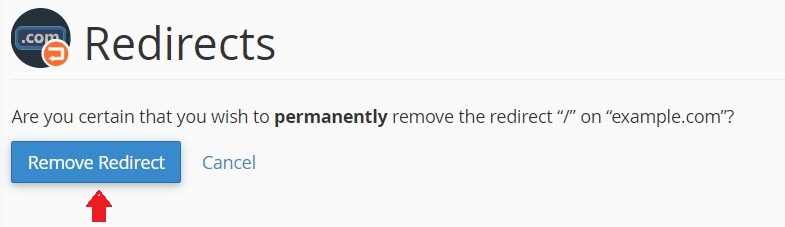
And done !!


